Local SEO in Adelaide: a Google Business Profile checklist
A practical Google Business Profile checklist for Adelaide businesses: categories, reviews, photos, NAP consistency and the local signals that decide the map pack.
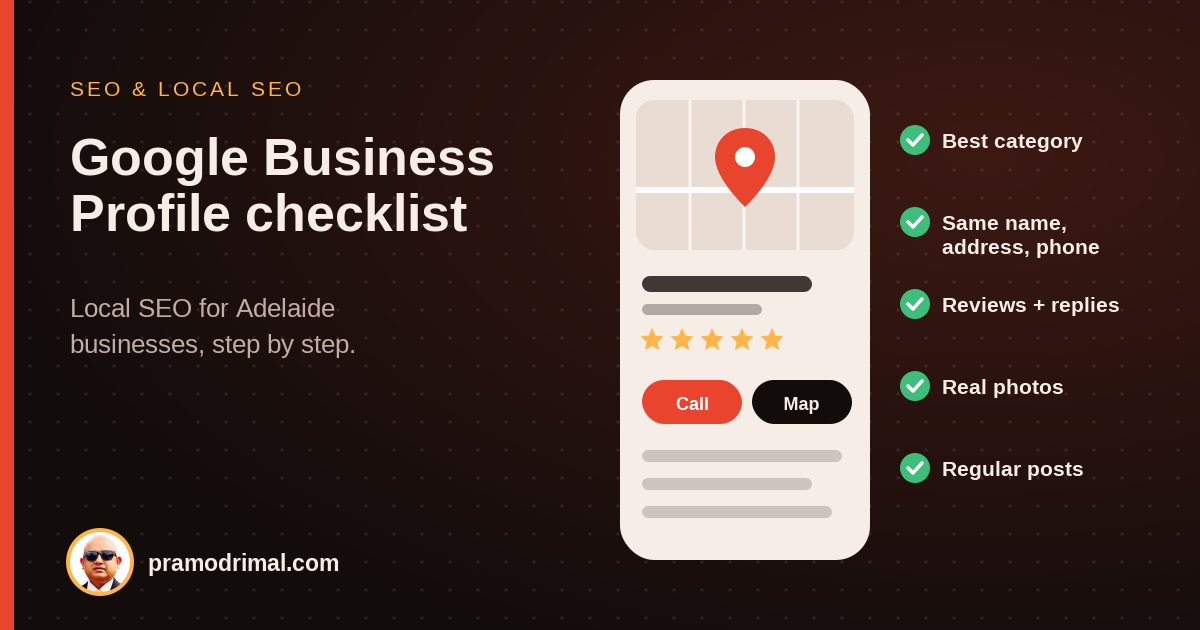
Quick answer Google says local results are decided mainly by relevance, distance and prominence [1]. You can't move your address, but you can make your profile more relevant and your business more prominent — and that is what this checklist covers.
Key takeaways
- Choose the most specific primary category.
- Keep name, address and phone identical everywhere.
- Ask every happy customer for a review, and reply to all of them [1].
- Add real photos and posts regularly.
What should be complete in your Google Business Profile?
- Business name exactly as it appears in real life (no keyword stuffing).
- Primary and secondary categories.
- Services, products, opening hours and holiday hours.
- Service areas if you visit customers.
- Photos of your team, premises and work.
How do reviews affect local rankings?
Google lists reviews and your replies as part of prominence [1]. Make asking easy: a short link sent by SMS or email after each job. A CRM like GoHighLevel can automate the request.
Do I need suburb pages?
Only where each page has genuinely different, useful information. Thin pages that just swap suburb names don't help. See the local SEO service for how to group areas.
FAQ
Why don't I show in the map pack?
Usually a mix of distance, a less specific category and fewer reviews than competitors.
Should I add keywords to my business name?
No — it breaks Google's guidelines and can get the profile suspended.
How often should I post updates?
Weekly or fortnightly is plenty if the posts are useful.
References
- Google Business Profile Help, "Tips to improve your local ranking on Google", 2025. https://support.google.com/business/answer/7091